Step 2: Authorize
How do you control what an AI agent may do and spend?
Give each agent a policy: what it may reach, what it may do alone, what needs a person, and how much it may spend.
- Access
- Actions
- Spend
Three tiers
Every action sits in one tier
Acts alone
Small, low-risk tasks.
Acts aloneNeeds approval
A named person says yes first.
Needs approvalNever allowed
Blocked, and still recorded.
Never allowedLimits you set
Four limits
Systems
What it may reach
Actions
What it may do
Spend
What it may use
Roles
Who may change policy
One switch
Stop everything at once
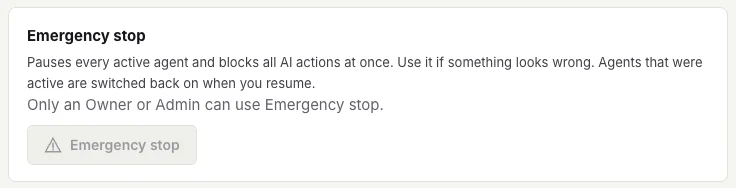
- Pauses every active agent
- Owner or Admin only
- Recorded on the record
Status
Today Works now
- Approval by default for risky actions
- Spend limits: warn, ask or stop
- Roles decide who sets policy
Roadmap Planned
- Policy for agents built elsewhere
Quick answers
What happens at the spend limit?
The organization chooses: warn, ask for approval, or stop. Overage is off by default.
Can we start strict?
Yes. Start strict and loosen a limit once the record shows an agent behaving well.